Why orchestration matters after the demo

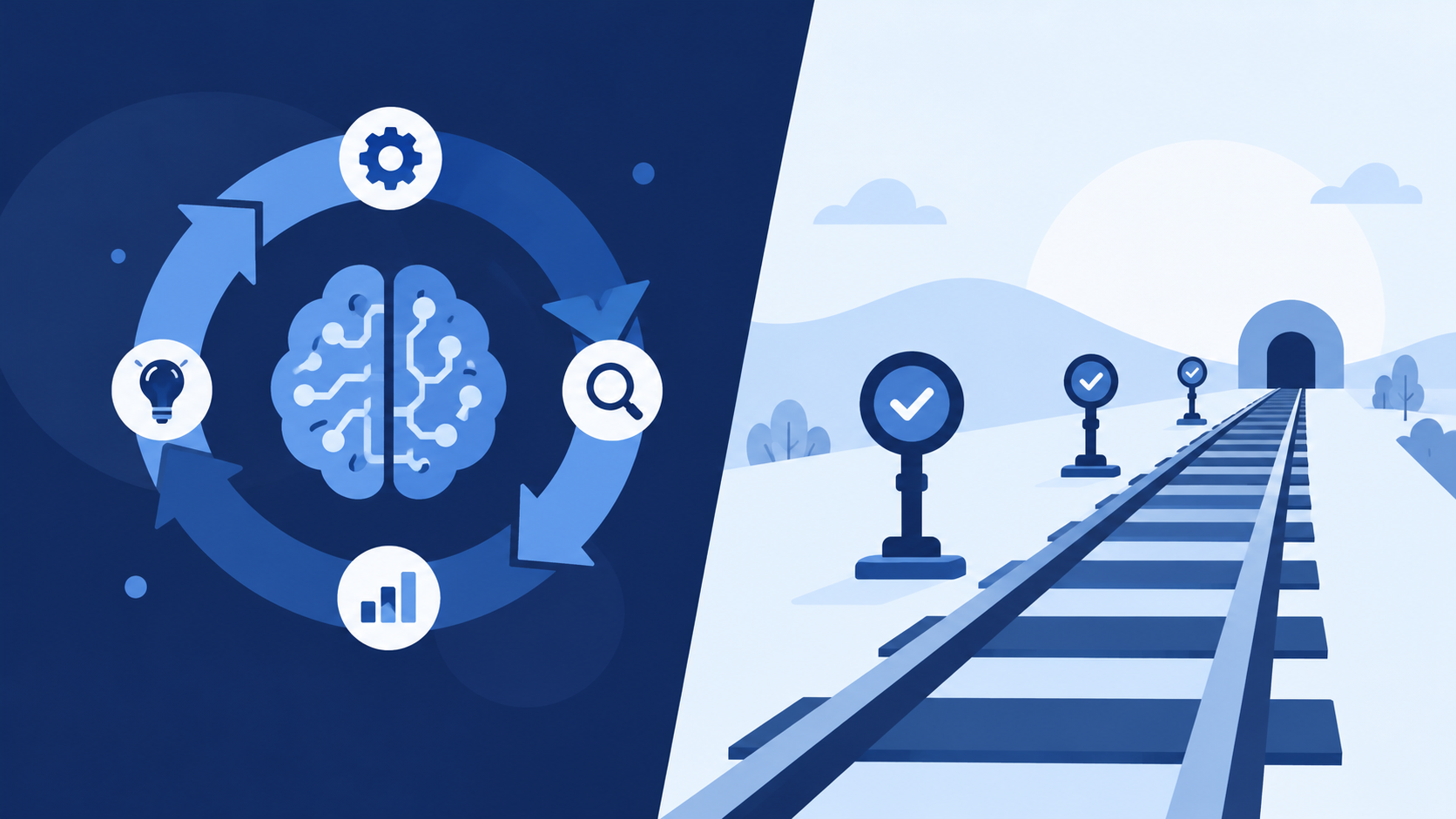
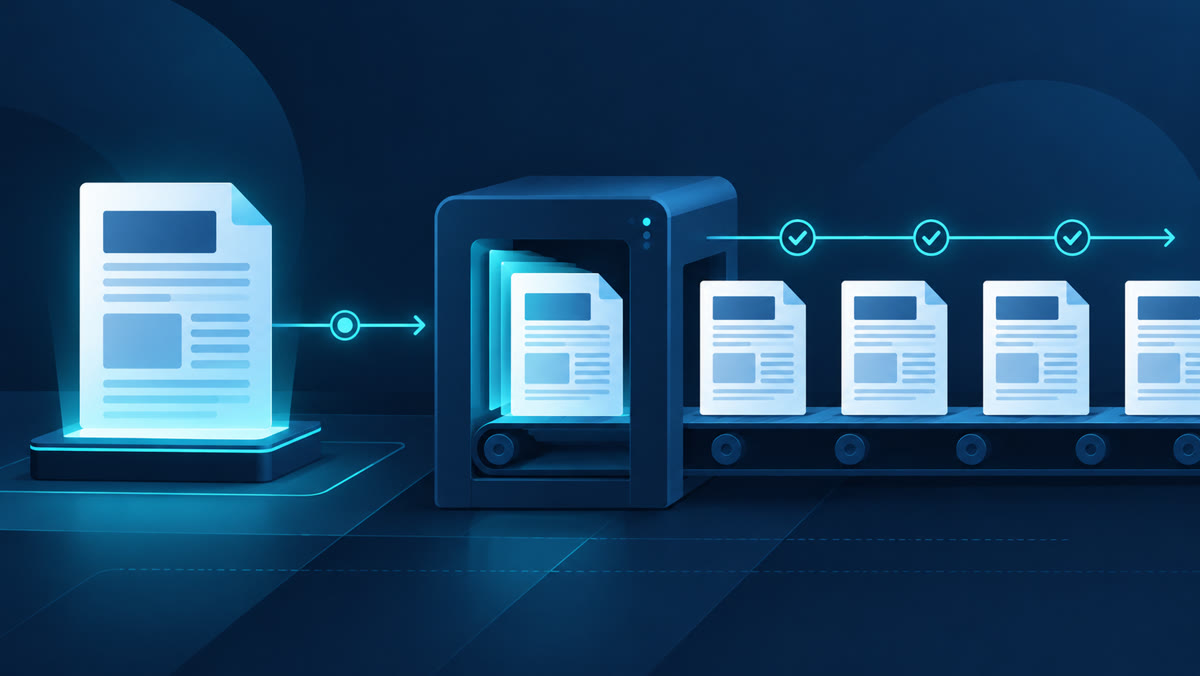
A workflow demo is a convincing fifteen minutes: one person, one machine, one run, everyone watching. The production version of the same workflow runs for two weeks, spans three systems and five people, and most of those people are busy with something else. The distance between the two situations is workflow orchestration, and it is where enterprise AI projects often come undone. What the demo quietly hides A demo proves capability: the model can do the task. It does not prove operability: that the task will keep getting done, in the right order, when systems misbehave and people are unavailable. In the demo, someone notices the failed step and reruns it. In production, the same failure can sit unnoticed for days. None of this is a criticism of demos; they are the right way to test whether a thing is possible. The mistake is treating possibility as proof of operability. Workflow orchestration is the discipline that closes that gap. Dependencies are the first reality A real workflow is a graph of task dependencies, not a list. The quote cannot be priced until the BOM is cleaned. The customer summary can be drafted in parallel with both. Some steps must wait on others, some can run at the same time, and some must never run at the same time. Some must react in real time, while others are fine as an overnight batch. An orchestrated workflow knows its dependencies explicitly. A collection of scripts often does not, and the discovery tends to arrive at the worst time: the night before delivery. Long-running steps need durable state Enterprise steps take hours or days. A vendor has to respond with a quote, a client has to approve a scope, a finance team runs its check on Fridays. A workflow that lives in one chat session or one running script dies when the session closes. The state of the work, meaning what is done, what is pending, and what was decided by whom, has to live somewhere durable, inspectable, and resumable. It belongs to the workflow engine, not to someone’s chat session or inbox. That is what lets a workflow wait for a human without losing itself, and what lets a new team member see where things stand without asking around. Retries and failures are normal, not exceptional An API times out. A supplier portal returns a maintenance page instead of data. A model call produces something unparseable. None of these are surprises; they are Tuesday. This is where error handling stops being improvisation and becomes policy. The orchestration layer decides what happens next: each step declares its retry logic, meaning how many attempts with what delay, and where the failure goes when retries are exhausted, whether that is a named person or a loud stop. The two worst options are silent failure, which nobody sees, and unbounded retry, which nobody sees until the bill arrives. Every retry also has to be safe to repeat: retrying “create the purchase order” must not create two purchase orders. Waiting for approval is a step, not a pause In enterprise work, approvals are often where workflows spend much of their time. Treating “wait for sign-off” as dead time between real steps produces unowned waits and invisible stalls. An approval is a first-class step: a named approver, the exact artifact they are approving, a recorded decision, and a defined path when the decision does not come, whether that is escalate, remind, or expire. Skipping human review on the steps that need judgment is how small errors become client-facing ones. In a working system these surface as human review tasks in a queue, assigned to named human reviewers, rather than as messages someone has to remember to answer. We made the same argument about scope specifically in scope approval is a workflow problem, not a reminder problem. A worked example (synthetic) An illustrative marketing workflow: a new lead arrives and the team wants a campaign brief. Capture the lead from a form. Instant, deterministic. Enrich the record through an external API. This can fail, so it retries with a limit, then routes to a person. Draft the campaign brief with a model step. Fast, but the output needs review before anyone acts on it. Human approval. The marketing lead is in meetings for two days. The workflow waits with its state intact, reminds after one day, and escalates after two. Schedule and hand off through another API. This final action must not double-book if it is retried. Every property of workflow orchestration above shows up in this small example: a dependency order, an external call that fails sometimes, a model step whose output needs a gate, a human wait measured in days, and a final action that must be safe to repeat. What the gap looks like in client services Client services firms feel this gap earlier than most. A consultancy or agency can demo an AI-assisted client onboarding flow that reads the signed scope, creates the project, and drafts the welcome pack, end to end, in minutes. The production version of the same flow spans weeks and several systems at once: the CRM holds the relationship, the document portal holds the contracts, finance holds the billing setup, and the account manager holds the approval. Each handoff is a place where client services work stalls silently when nobody owns the wait. A synthetic example, in the same spirit as the one above. Onboarding a new client after signature: the scope document arrives as a PDF whose layout changes from client to client, so a model step extracts deliverables, milestones, and billing terms into structured fields. Deterministic code creates the project skeleton and checks the extracted terms against the rate card and the business rules around billing. Then the workflow waits, and waiting is the point: the account manager’s human review of the extraction, finance confirming billing, and the welcome pack leaving only after both. While it waits, the team can see exactly where things stand. When the document … Read more